
CLUELY
Pro with screen-share hiding
$149.99 / mo
THE MAC APP FOR YOUR ZOOM, MEET AND TEAMS CALLS
Live answers from your own files while you talk. A useful record after the call. No bot joins your meeting.

 What to say1.5 s
Dana asked: “What was churn last month?”
2.1% in October, down from 2.8% in September.
Source: Board update · 31 Oct
HOW A CALL GOES
1BEFORE YOU JOIN
Instead of digging through old emails
Write a brief or have one drafted from your records. Review it, save it, and bring the right context into the call.
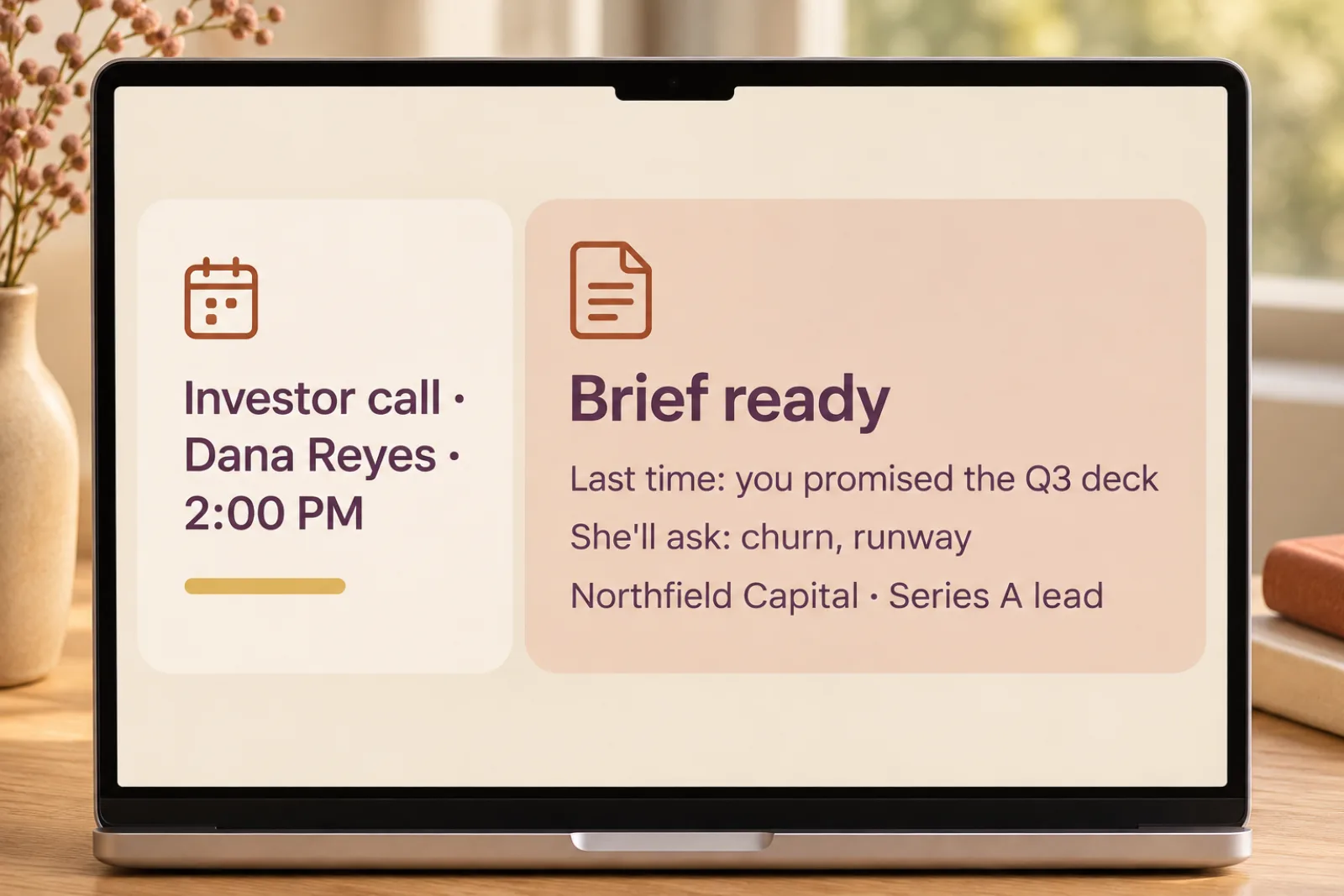
2DURING THE CALL
Instead of Cluely
Kit uses the conversation and your notes to suggest what to say. Check the source when one is available, and verify important facts.
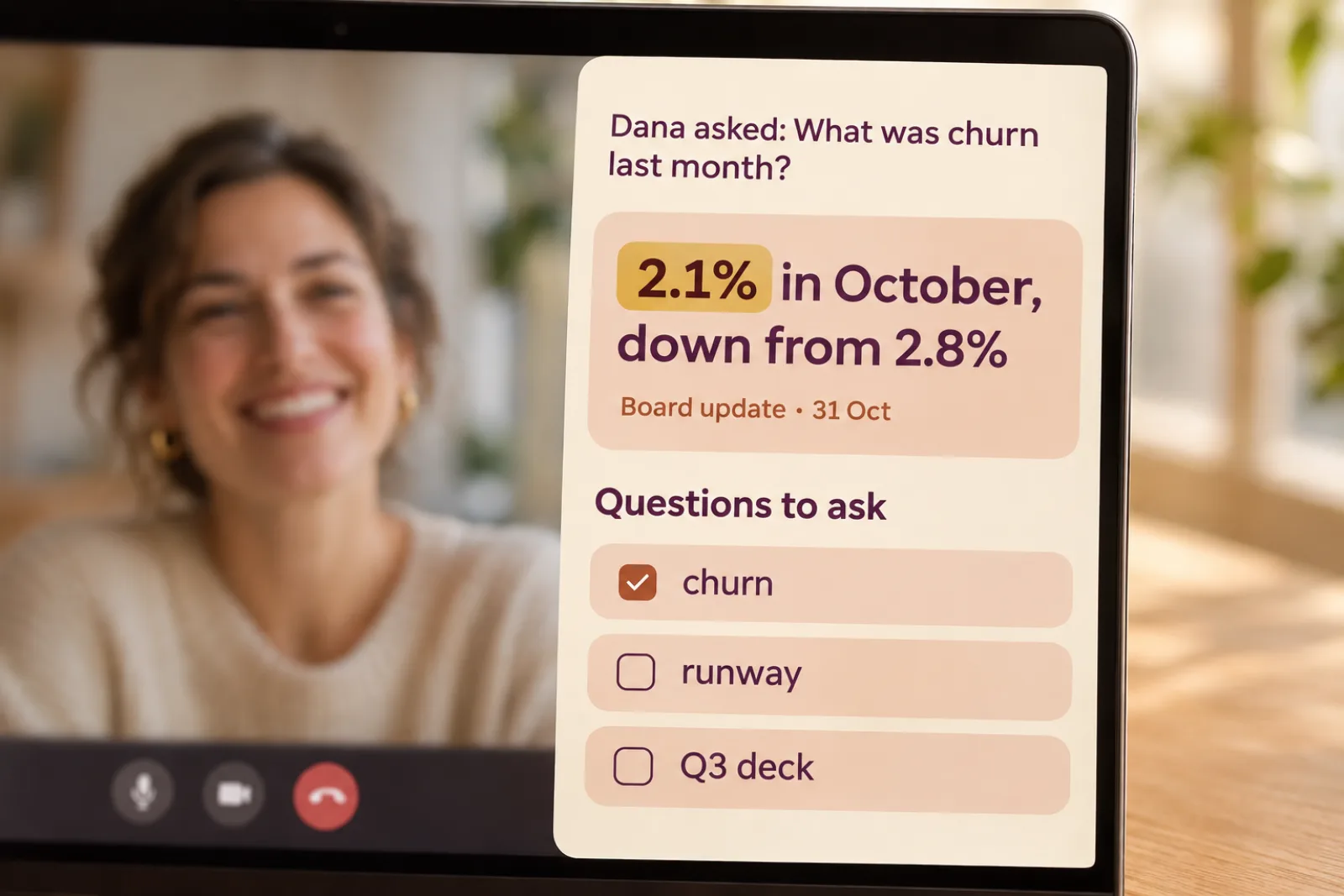
Dana asked: “What's your CAC payback in the UK?”
Say you'll follow up by Friday.
3WHEN YOU HANG UP
Instead of Granola and CRM busywork
Return to the transcript, summary and decisions. Review suggested people and follow-ups, then approve the changes you choose.
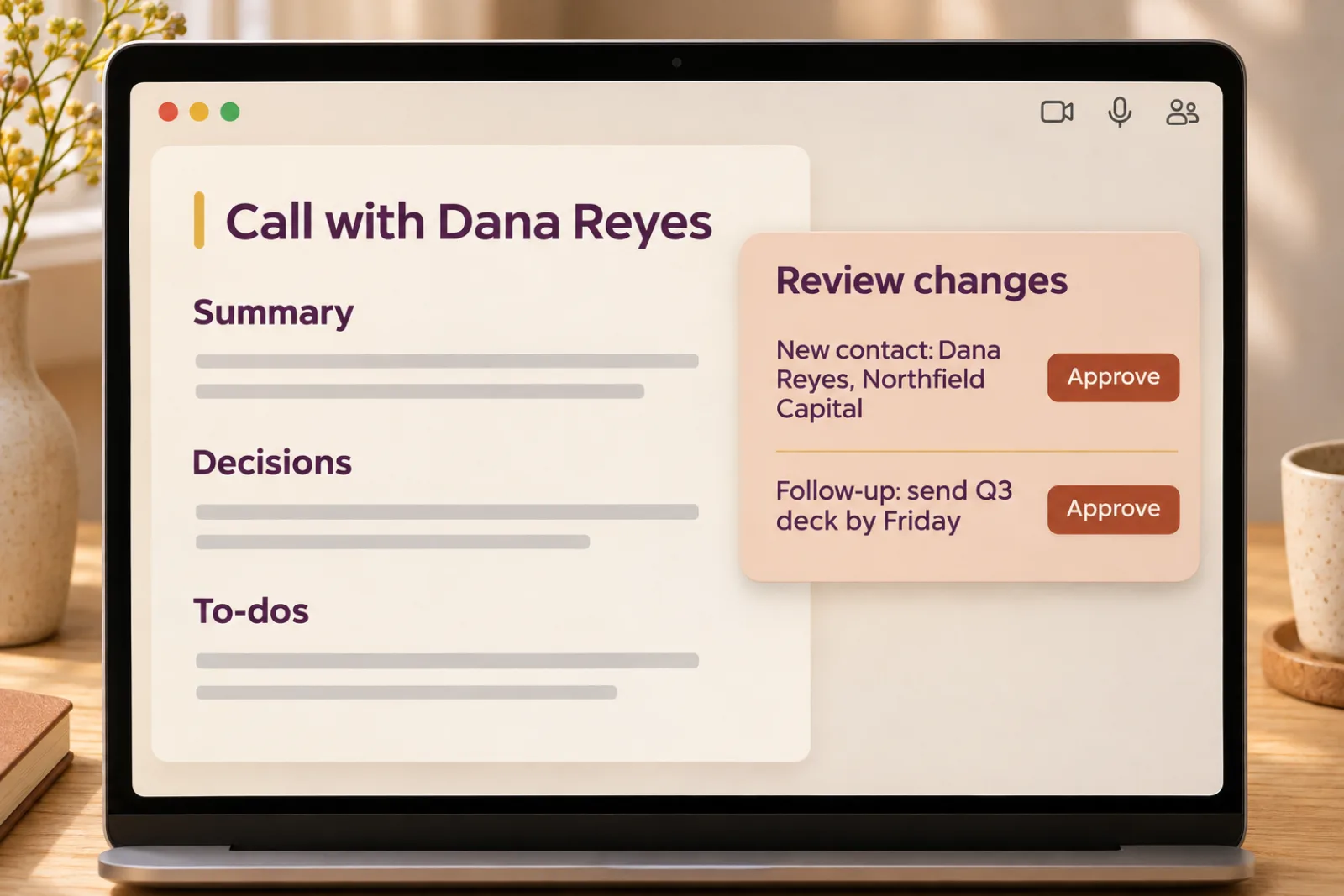
4THE REST OF YOUR DAY
Instead of Wispr Flow
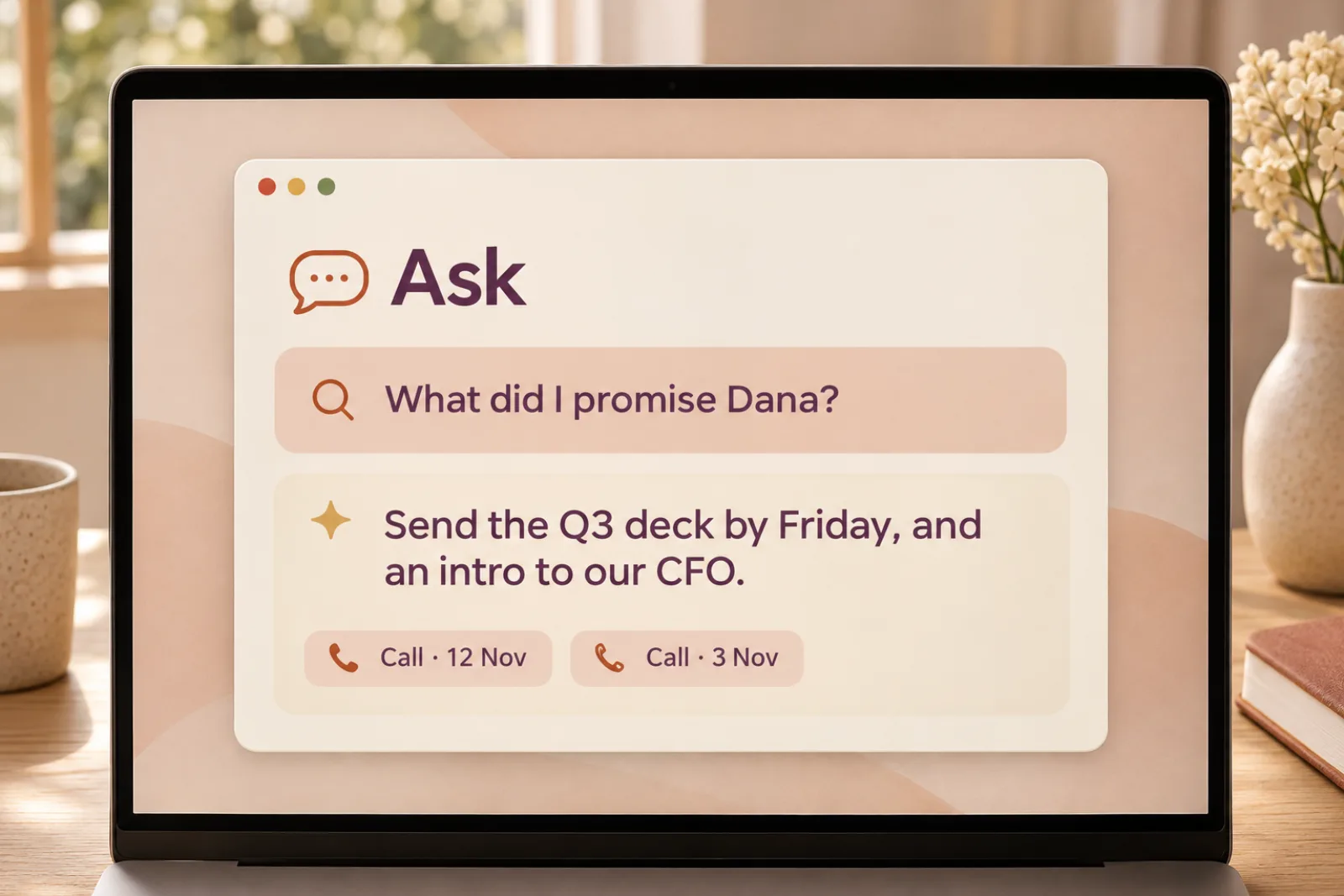
Ask across your saved calls, briefs and files, with sources to check. For voice typing, hold Right Option, talk, then let go.
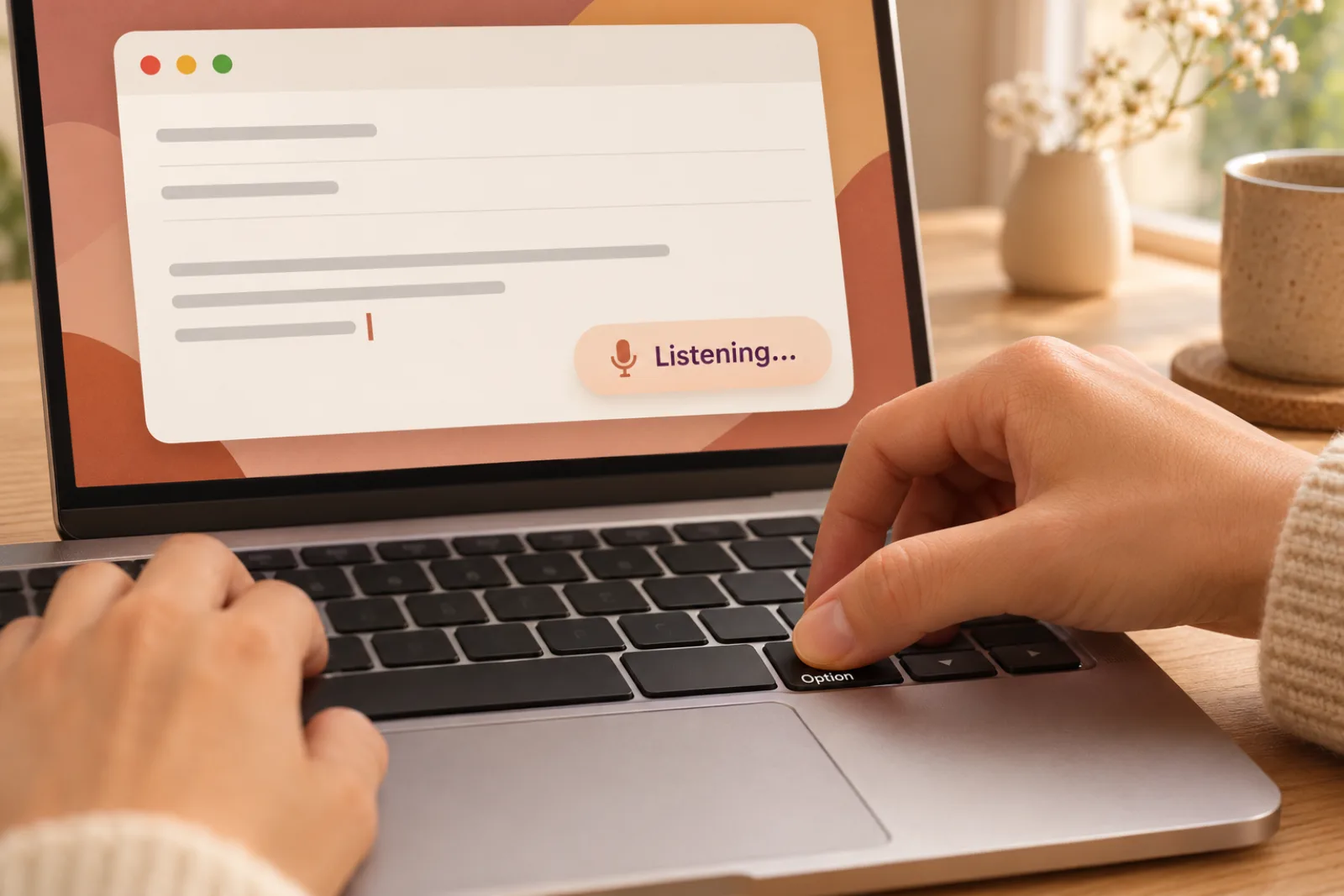
CONSOLIDATE YOUR CALL TOOLS
Alongside call prep, source-linked answers and relationship follow-ups, with ELITE planned for Pro.
Pro with screen-share hiding
$149.99 / mo
Business
$14.00 / mo
Pro
$15.00 / mo
TOTAL$178.99 a month
Planned Pro · $40 a month.
Cluely charges $149.99 a month to hide from screen share. Screen protection is part of the planned iRocket offer.
Swipe or use arrow keys to compare all apps.
| Feature | Cluely | Granola | Wispr Flow | iRocket |
|---|---|---|---|---|
| Answers while you talk | Yes | No | No | Yes |
| Hidden from screen share | $149.99/mo plan | No | No | Included |
| Notes when you hang up | Yes | Yes | Yes | Yes |
| Voice typing in any app | No | Yes | Yes | Yes |
| Answers from your own files, with the source | Files, no source shown | No | No | Yes |
| A CRM that fills itself in after every call | No | Paid plans, notes only | No | Yes |
| Tracks what you owe and what you’re waiting on | No | No | No | Yes |
| ELITE with Pro | No | No | No | Planned |
| Audio stays on your Mac | No | No | No | Yes |
Prices as listed on each company's website, November 2026.
Relationships
People, companies, notes and commitments stay connected to the conversations behind them.Now in the iRocket Meetings app preview.
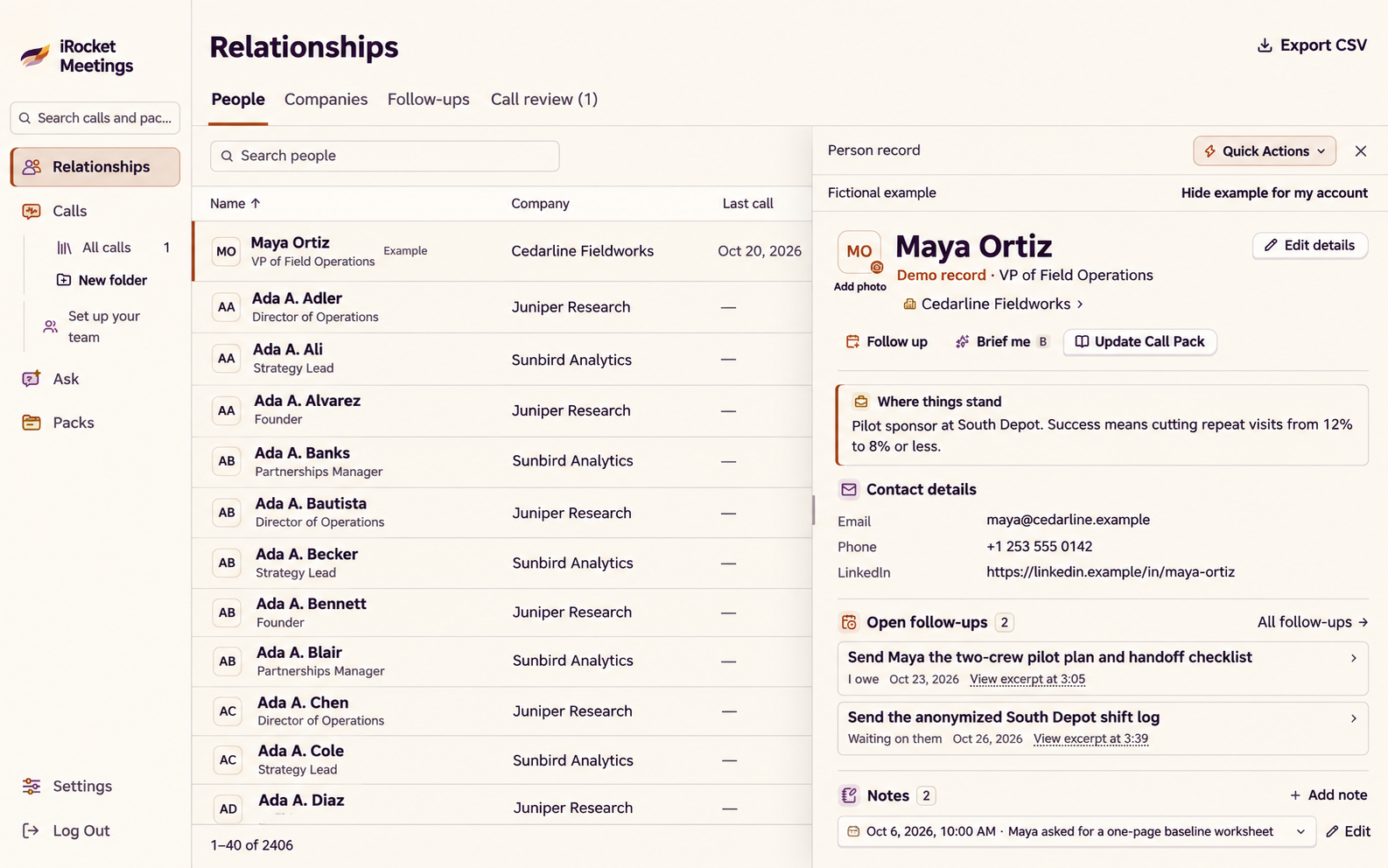
Open their company, call history and dated notes from one editable record.
With the person’s record focused.
Separate what you owe from what you’re waiting on. Set a reminder in one key.
With a follow-up open. Customize the intervals.
Save a name and a prompt. Get a copyable draft on the record, or open a conversation in Ask.
· PLANNED FOR PRO
ELITE brings notes, tasks and projects together, with Kit as your guide. We’re planning to include it with Pro and connect the work you choose to carry forward from a call.
The planned connection lets you review commitments and choose an ELITE project. Keep your next task separate from what you’re waiting on.
You: I'll send the revised scope by Friday.
Dana: I'll confirm the budget on Monday.
To do
Send revised scope · Fri
Waiting on
Dana: confirm budget · Mon
We’re planning a project picker so you can choose the notes and open tasks to bring into a call.
Each morning, ELITE lines up your day from your priorities, your notes and your open tasks.
8:02 AM · Good morning
3 things today
ELITE turns your work into skill badges and signed credentials anyone can check. You decide who sees what.
Collaboration · Level 3
VerifiedVisible to: people you choose
Two apps. One Kit.
Planned Pro bundle · $40 a month.

PRIVATE BY DESIGN
Kit listens through your Mac, like you do.
Local mode is the default. Cloud transcription is optional.
Keep it out of supported screen captures when protection is on.
Recording and consent laws differ by place. Follow the rules where you and the people you call live.
Your Mac · local mode
↓ local transcription, on your Mac
Call records save text, not audio.
Your configured AI service
Uses conversation text and relevant notes.
MEET KIT
Kit is the fox on your panel, the same one from ELITE. It hears both sides, finds the fact, and passes you a note with the source. Kit whispers; you talk.
Them · Investor call
Dana Reyes
Northfield Capital
What was churn last month?
From your notes · Board update
Monthly churn: 2.1% (Oct), 2.8% (Sep)
What to say
2.1% in October, down from 2.8%.
SourceBoard update · 31 Oct
Dana Reyes of Northfield Capital asks, “What was churn last month?” Kit hears it, finds “Monthly churn: 2.1% (Oct), 2.8% (Sep)” in your notes, and passes you a note: “2.1% in October, down from 2.8%”, with the source, Board update · 31 Oct.
An investor would ask for a number we knew, and it was buried in a doc. So we built the app that puts it on screen. We use it on our own calls at Just Badge now, and we're letting a few founders in while we finish it.
A note from the founder
Matthew · Just Badge
Zoom, Google Meet and Microsoft Teams on a Mac, and any other call your Mac can hear. English for now.
The proposed Pro bundle is $40 a month for iRocket Meetings and ELITE. We’ll confirm the plan, included features and any limits before you subscribe. Early access is opening a few people at a time.
Add the notes or files you want Kit to use. Write a call brief or have a draft prepared, review it and save it. An existing brief can load when its matching names come up.
Local transcription is the default: speech becomes text on your Mac. Optional cloud transcription sends audio off the device. AI answers use conversation text and relevant notes; a screenshot goes to AI when you choose Analyze screen.
Sources help you check an answer, but AI can still make mistakes. Some answers have no matching source. Verify important numbers and decisions, and choose what to say.
No. iRocket listens through your Mac. It does not add a bot or another attendee to the meeting.
ELITE is planned for the Pro bundle. The connection between Meetings calls and ELITE projects is planned. iRocket Meetings works on its own.
It gives you notes from your own context while you do the talking. Tell participants when required and follow your organisation’s rules. We don't offer it for exam assistance or covert job-interview answers.
Tell us about the calls you run. We're letting people in a few at a time.

